
Track Events in Google Analytics (GA4)
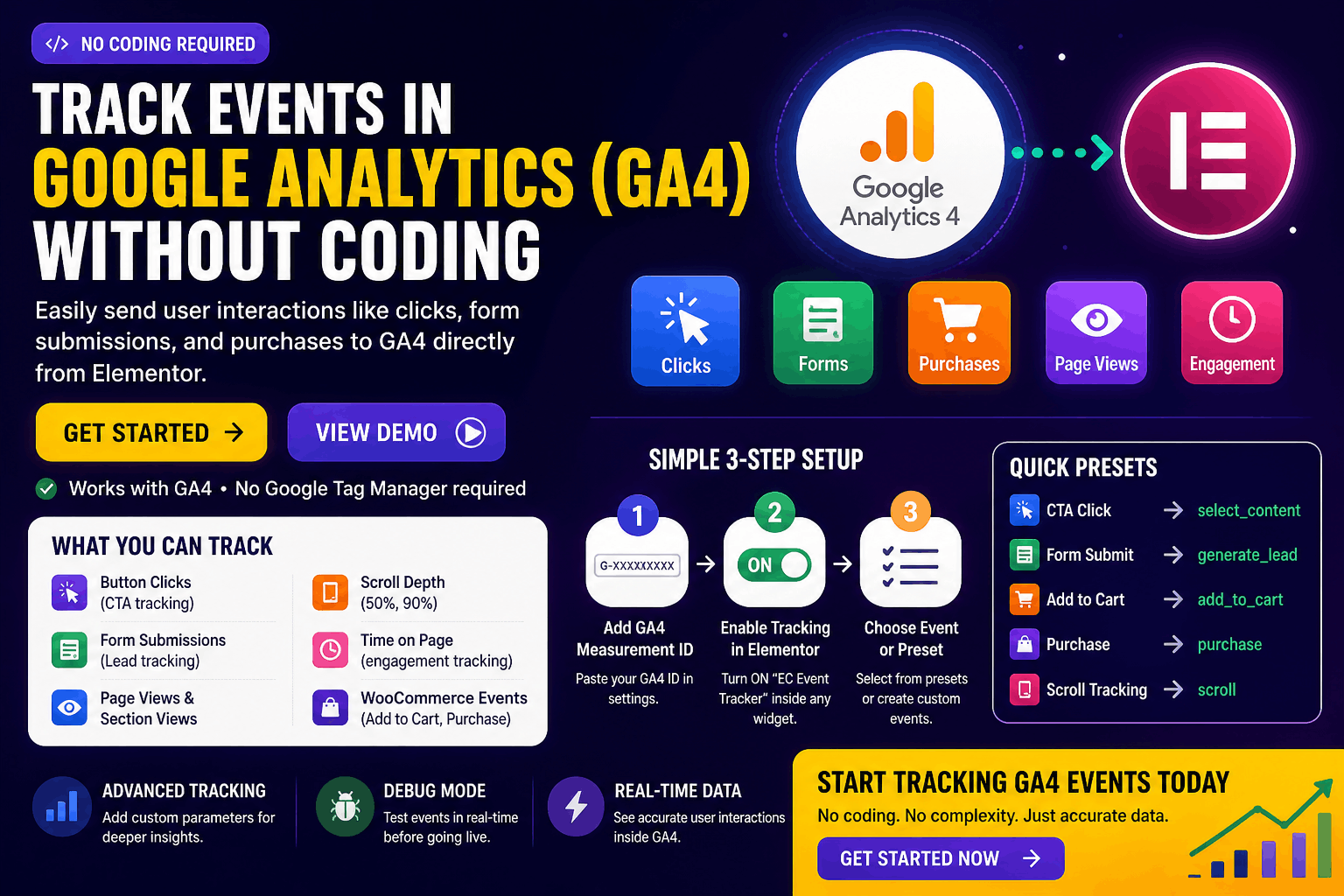
Track Every Important User Action
- Button Clicks (CTA tracking)
- Form Submissions (Lead tracking)
- Page Views & Section Views
- Scroll Depth (50%, 90%)
- Time on Page (engagement tracking)
- WooCommerce Events (Add to Cart, Purchase)
Simple 3-Step Setup
One-Click Event Tracking
- CTA Click → select_content
- Form Submit → generate_lead
- Add to Cart → add_to_cart
- Purchase → purchase
- Scroll Tracking → scroll
Real-World Use Cases
📌 Use Case 1: Lead Generation Website
Track form submissions as generate_lead events in GA4.
👉 Measure which landing page converts best.
📌 Use Case 2: Landing Page Optimization
Track CTA button clicks.
👉 Find which button gets more clicks (Buy Now vs Learn More).
📌 Use Case 3: Blog Engagement Tracking
Track scroll depth (50% / 90%).
👉 Understand how far users read your content.
📌 Use Case 4: SaaS Website
Track demo requests and signup clicks.
👉 Optimize onboarding funnel.
📌 Use Case 5: WooCommerce Store
Track:
Add to Cart
Checkout Start
Purchase
👉 Measure full conversion funnel inside GA4.
Go Beyond Basic Tracking
Examples:
button_text = “Buy Now”
product_name = “T-Shirt”
page_section = “Hero Banner”
👉 Helps in advanced GA4 reports
Test Before You Go Live
Enable debug mode to verify your events in browser console.
👉 Ensure everything works before running ads