Product Category Slider Woo Widget Tutorial

Essential Classy Tab from Dashboad -> Widgets then enable Product Category Slider

Now Drag and Drop Product Category Slider widget

We have 4 Predefine Layout Style

Query Tab

Layout Options Tab

In this tab, You can manage Missing Image, Hide Empty Category, Hide Child Category.

Also, You can manage Tag, Description and Count visibility.

Slider Option

Slider Direction – Vertical/Horizontal

Slide to Show and Slide to Scroll Option

Slider Gap

Slider Dots

Slider Arrow

Slider Infinite Mode and Animation

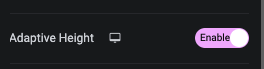
Slider Adaptive Height

Slider Autoplay and It’s Speed

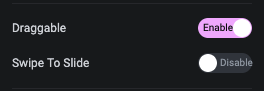
Slider Dragable

Slider Pause on Hover, Center Mode and On Mouse Wheel Scroll option

Style Tab

In this Style tab, You can manage Heading, Count, Description, Dots, Arrow and No Category style.

Heading Style Tab

In this tab, You can manage Text Alignment, Padding, Margin and It’s Typography.
Also, You can manage Color, Background, Border, Shadow, Text Shadow, Transition and Transform CSS for Normal and Hover State of Category listing.

Count Style Tab

In this tab, You can manage Margin and It’s Typography.
Also, You can manage Color, Text Shadow, Transition and Transform CSS for Normal and Hover State.

Description Style Tab

In this tab, You can manage Text Alignment, Padding, Margin and It’s Typography.
Also, You can manage Color, Background, Border, Shadow and Text Shadow for Normal and Hover State.

Manage Dots Style

Center Mode

No Category Style tab

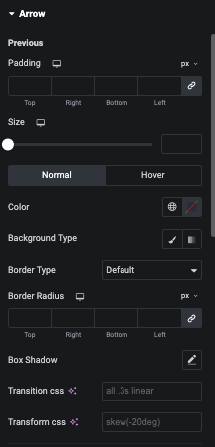
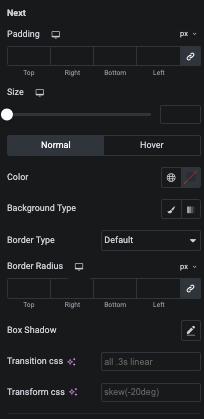
Arrow Style