
Track Facebook Pixel Events
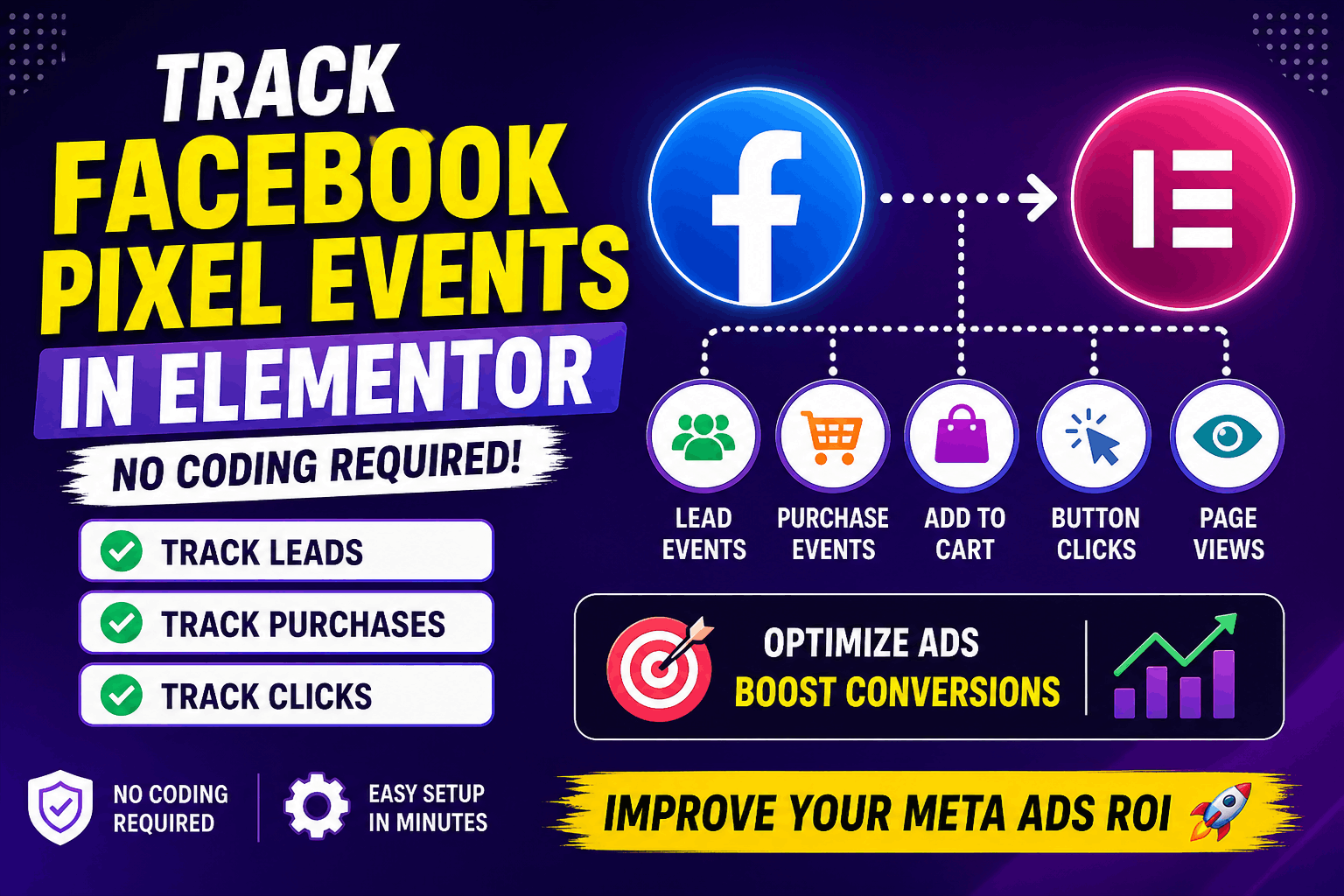
Track Conversions & Optimize Ads
- Lead Events (Form Submit)
- Purchase Events
- Add to Cart
- Button Clicks
- Page Views
- Custom Events
Track Events Instantly
- Lead → Lead
- Purchase → Purchase
- Add to Cart → AddToCart
- View Content → ViewContent
Real Use Cases for Facebook Ads
📌 Use Case 1: Lead Generation Ads
Track form submissions as Lead events.
👉 Optimize campaigns for more leads.
📌 Use Case 2: eCommerce Ads
Track:
AddToCart
InitiateCheckout
Purchase
👉 Run retargeting ads for cart abandoners.
📌 Use Case 3: Landing Page Campaigns
Track CTA clicks.
👉 Improve ad-to-page conversion rate.
📌 Use Case 4: Webinar Registration
Track signup button clicks.
👉 Measure campaign success.
📌 Use Case 5: Retargeting Strategy
Track page visits & actions.
👉 Show ads to users who didn’t convert.
Setup in Minutes
Steps:
1. Add Facebook Pixel ID
Paste your Pixel ID in settings.
2. Enable Tracking in Elementor
Turn ON Event Tracker.
3. Select Event Type
Choose Lead, Purchase, or Custom.
Custom Facebook Events
Examples:
ebook_download
video_watch
pricing_view
👉 Useful for advanced ad targeting
Verify Pixel Events Easily
Enable debug mode to verify your events in browser console.
👉 Ensure everything works before running ads