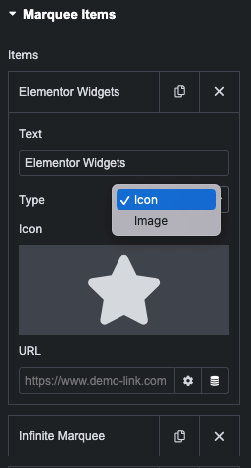
In this COntent tab, You can manage Text, Icon/Image and It’s Link.
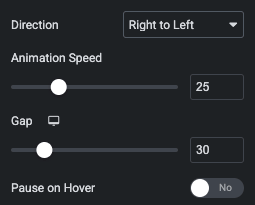
Using this option, You can manage Marquee Direction Left to right or Right to left.
Also, You can manage Animation Speed, Gap and Manage Pause on Hover marquee.
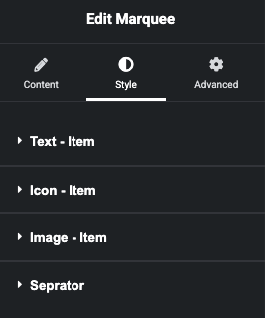
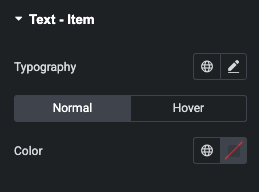
In this style tab, You can manage Text Typography and it’s Normal & Hover State Color.
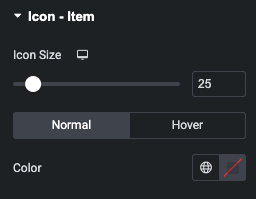
In this style tab, You can manage Icon Size and it’s Normal & Hover State Color.
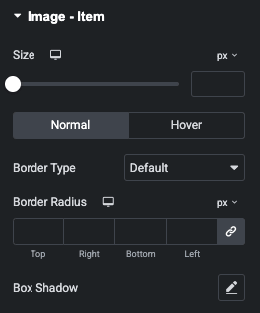
In this Style tab, You can manage Image Size.
Also, You can manage Border and Shadow for Normal and Hover State.
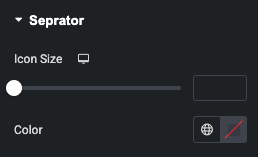
In this Style tab, You can manage Icon Size and it’s Color.