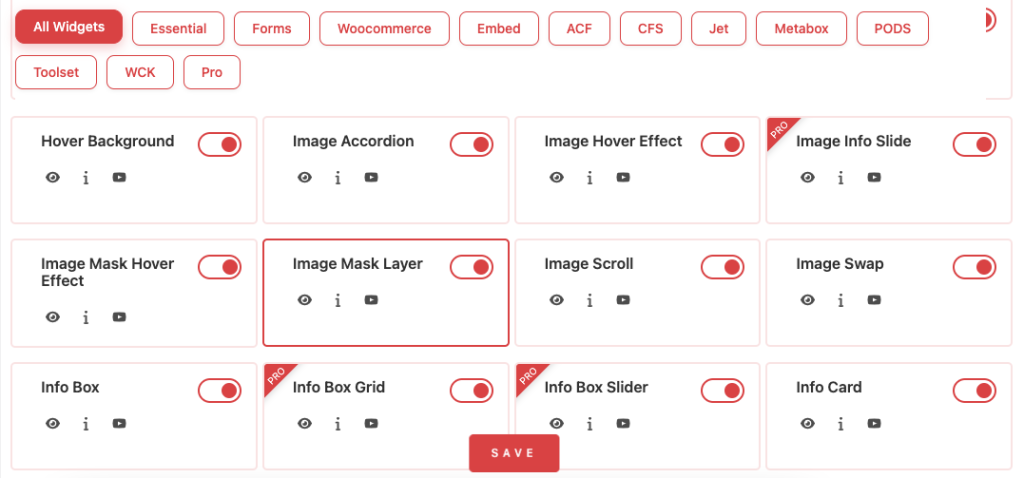
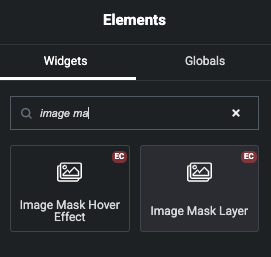
Image Mask Layer – Content Tab
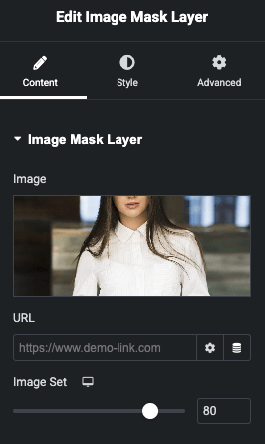
Choose image and Set URL. Also manage Image Position.
Image Mask Layer – Style Tab
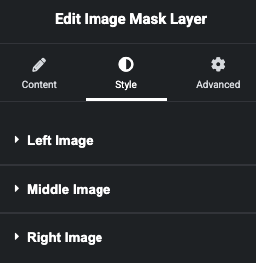
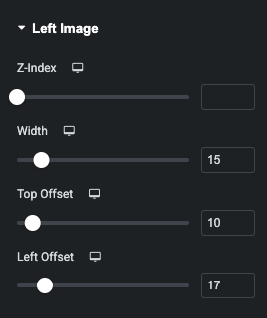
In this tab, You can manage z-index, Width, Top and Left offset of Image.
In this tab, You can manage z-index, Width, Top and Left offset of Image.
In this tab, You can manage z-index, Width, Top and Left offset of Image.